WordPress Quiz Plugins: 6 Tools for Trivia, Leads & Courses
Before installing a quiz plugin, decide what happens after someone answers the last question. A trivia quiz needs scoring and sharing; a product finder needs branching logic; an online course needs progress tracking. One plugin rarely handles every use case equally well.
Find a quiz builder that fits
Free scored quizzes and surveys: Quiz and Survey Master. Simple trivia: HD Quiz. Marketing and lead segmentation: compare Thrive Quiz Builder and WP Quiz Pro. Student assessments: use a full learning-management system such as LearnDash only when you need course features too.
Quick comparison
| Tool | Best-matched job | Consideration |
|---|---|---|
| Quiz and Survey Master | Scored tests, questionnaires and surveys | Check paid add-ons for advanced workflows. |
| HD Quiz | Simple quizzes with scores | Less suitable for complex sales funnels. |
| Thrive Quiz Builder | Branching marketing quizzes | Confirm current marketing integrations and license. |
| WP Quiz Pro | Personality and viral-style formats | Check available formats in your edition. |
| Modal Survey | Quizzes, polls and surveys with visual results | May be more than a basic trivia quiz needs. |
| LearnDash | Course assessments | A full LMS is unnecessary for a standalone quiz. |
1. Quiz and Survey Master — quizzes plus questionnaires
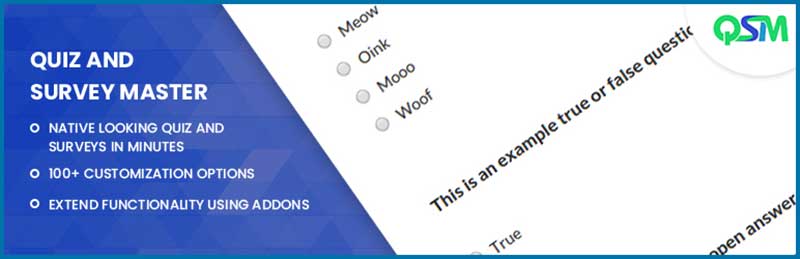
Quiz and Survey Master (QSM) offers quiz and survey creation, question banks, scoring and results pages. Its published 2026 release notes describe a revised quiz builder and question management. It is a useful starting point when quizzes and surveys are both on your roadmap. Check whether the add-ons you need for email marketing or reporting change the total price.
2. HD Quiz — straightforward trivia
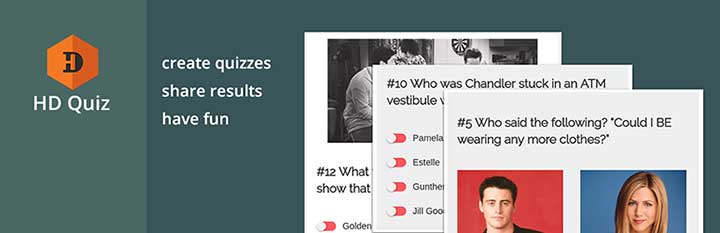
HD Quiz concentrates on creating questions, recording answers and showing a result. Its plugin listing documents quiz timers and question randomization. Test its question types and mobile display if you want a lightweight quiz without a full marketing platform.
3. Thrive Quiz Builder — marketing journeys

Thrive Quiz Builder is built for marketers who want the next question or result to depend on earlier answers. Explore its branching flow, result pages and opt-in connections using the seller’s current demo. If you already use Thrive products, evaluate how the quiz fits your existing email and landing-page setup.
See Thrive Quiz Builder plans → Read our dedicated review
4. WP Quiz Pro — personality and sharing formats

WP Quiz Pro targets publisher-style quizzes including personality and trivia formats. Compare its current available quiz styles, analytics and email connections against the specific quiz you plan to publish, rather than buying solely for the number of templates.
5. Modal Survey — quizzes with survey-style reporting
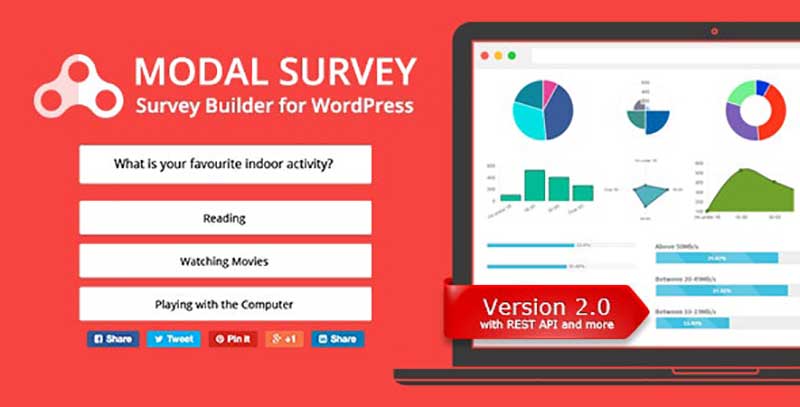
Modal Survey combines polls, surveys and quizzes, with visual displays of responses. Consider it when reporting answers matters as much as calculating a score. Test how you export results and whether the reporting meets your needs.
6. LearnDash — quizzes inside courses
LearnDash is primarily a learning-management system; its assessments belong inside lessons, courses and learner progress. If you need prerequisites, course completion and learner records, compare its quiz capabilities with your educational workflow. For a single five-question marketing quiz, this is a much larger product than necessary.
See LearnDash course features →
Launch checklist
- Write the result first: score, personality, tailored product suggestion or course pass/fail.
- Test a complete quiz on a phone, including keyboard navigation and result sharing.
- Confirm what the plugin stores, how answers can be exported and how you handle consent for email capture.
- For lead-generation quizzes, measure completed quizzes and genuine opt-ins instead of assuming longer time on page improves search rankings.
Need feedback rather than scored answers? See our WordPress survey plugin comparison.

@
Thanks for the article. My favorite plugin is Quiz and survey master. It is a plugin that is very simple to use to produce online infinite amounts of quizzes and to embed on any website or post. It is easy to use plugin with flexible question formatting and lots of control over traffic.
@
Nice article. My favourite plugin is WordPress Quiz Plugin.Wordpress Quiz plugin is one of the most amazing quiz plugins that allows WordPress users to setup and run quizzes easily. With this plugin, you can run as many quizzes and surveys you want without any restriction on the sections you are creating for your quizzes.
@
Thank You WPNeon. It’s an awesome article.